MySelf
Personal productivity app for macOS
One native Mac app for todos, notes, university classes, office tasks, interview prep and Kanban boards — open source and synced between Macs over iCloud Drive.
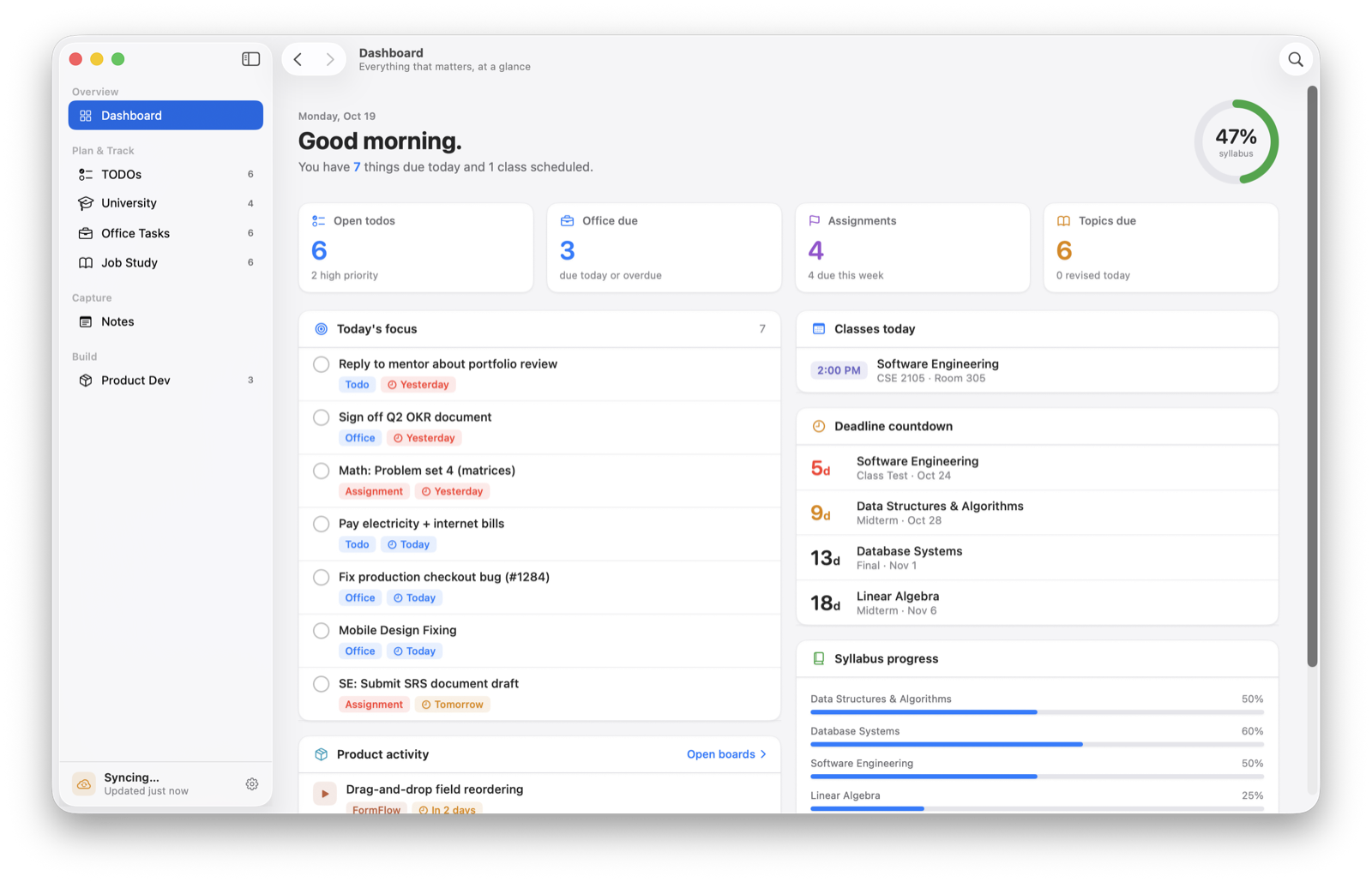
MySelf replaces the five apps I was using to run my week: a todo list, a notes app, a Kanban board, a study tracker and a class calendar. It's a native SwiftUI app with a Dashboard that pulls what's due today from every section into one list. There's no account and no backend: every item is a small JSON file in a folder you choose, and iCloud Drive moves those files between Macs.
Role
- Designer and engineer
Timeline
- Ongoing
Team
- Solo
Stack
- Swift
- SwiftUI
- iCloud Drive
- SwiftMath
- Sync without a server or a paid Apple developer account. CloudKit needs an entitlement that needs a paid membership, and I didn't want to run a backend for a personal app.
- Seven very different sections — a block editor with LaTeX and code, Kanban boards, a revision tracker, a class schedule — had to feel like one app, not seven mini-apps stitched together.
- Not everyone needs every section, so each one has to be removable from the sidebar, Dashboard, search and shortcuts without losing its data.
A folder is the database
Every todo, note, class, card and label is saved as its own pretty-printed JSON file, <folder>/<id>.json. Edits to different records on two Macs can never conflict, deleting a record is removing a file, and if the same record changed on both Macs the newer updatedAt wins.
Sync through iCloud Drive, not CloudKit
The user picks a folder in iCloud Drive once per Mac, kept across launches with a security-scoped bookmark. A file presenter, app activation and a slow poll (faster while files are still uploading) trigger re-reads, and a modified-date cache means only changed files are decoded again.
One design system, keyboard-first
Shared cards, badges, chips and progress views keep every section consistent, and the app follows macOS light/dark mode and accent colour. ⌘K opens Quick Open, ⌥⌘K opens a Spotlight-style search panel from any app, and every page has a shortcut.
Features as switches
Each section can be turned off in Settings › Features. It disappears from the sidebar, Dashboard, search and shortcuts, but its files stay on disk, so turning it back on restores everything.
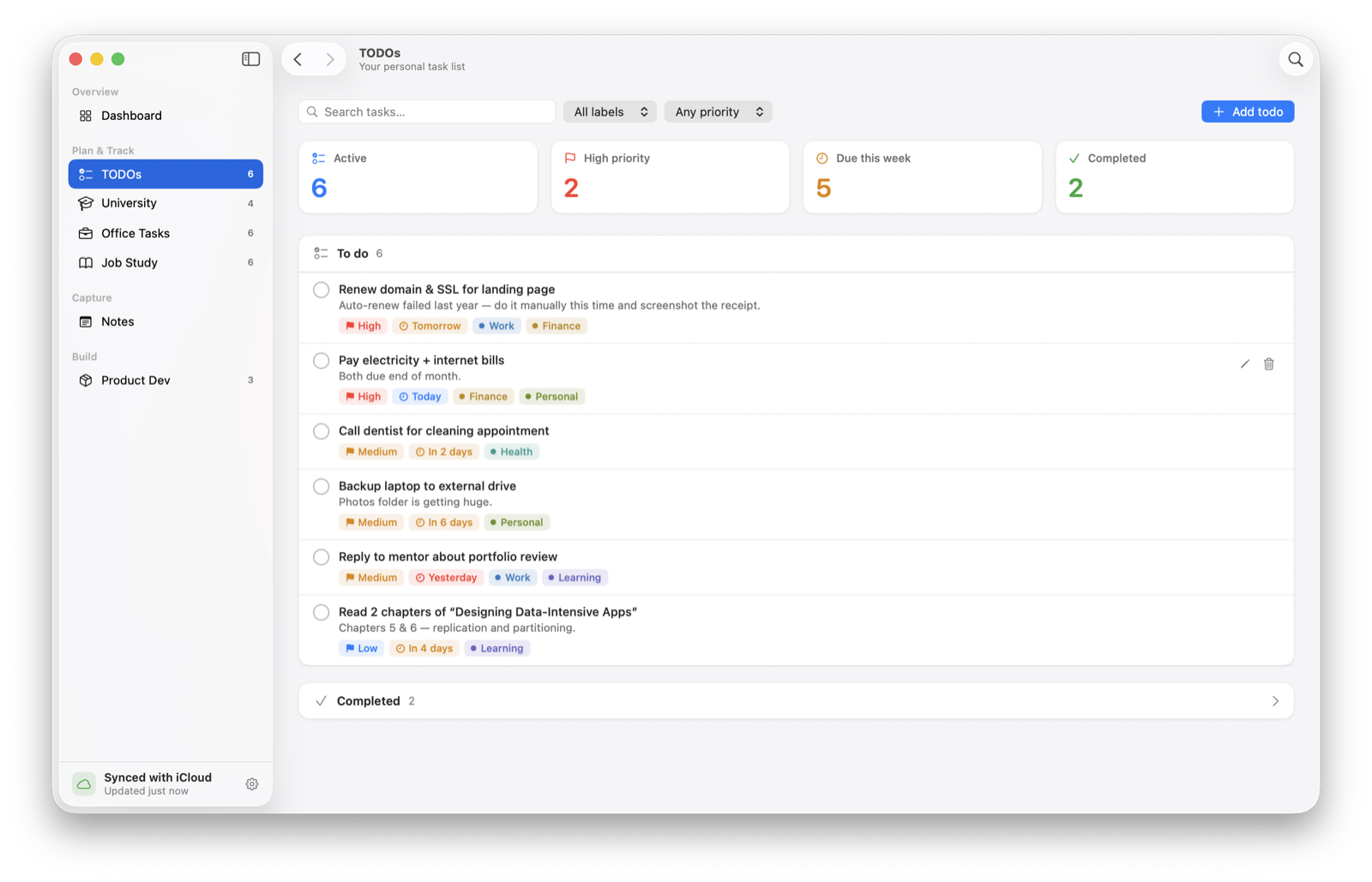
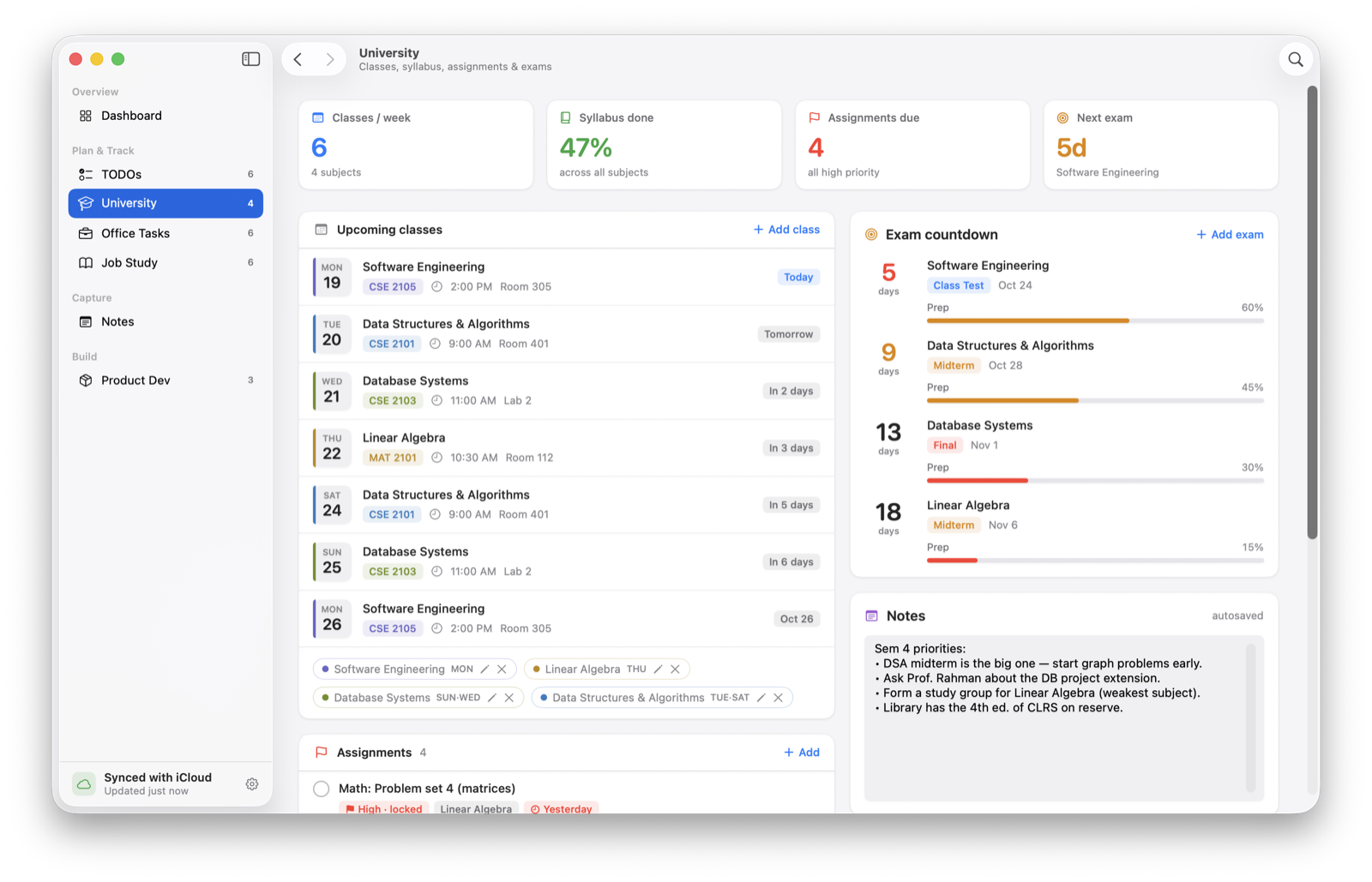
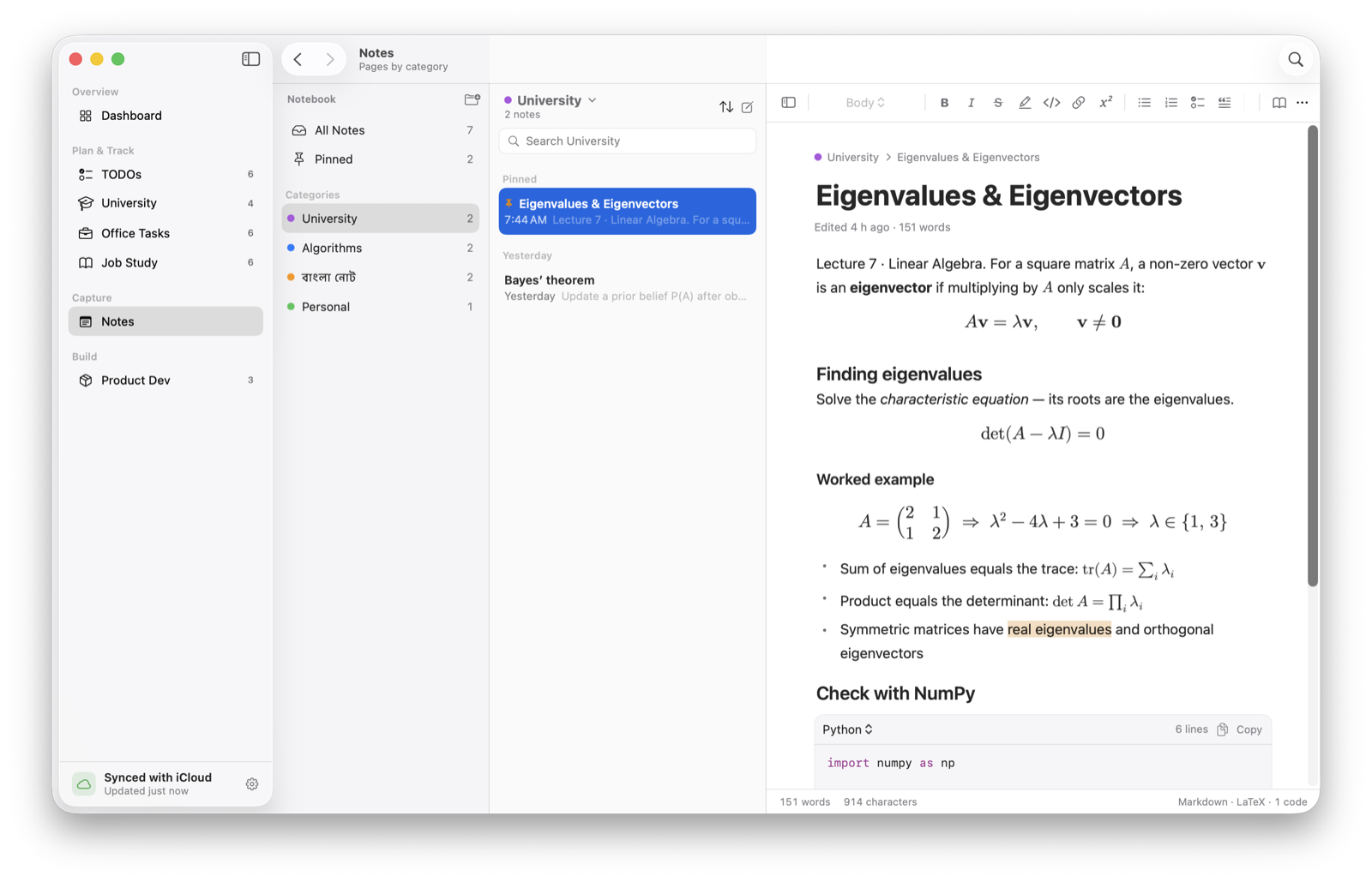
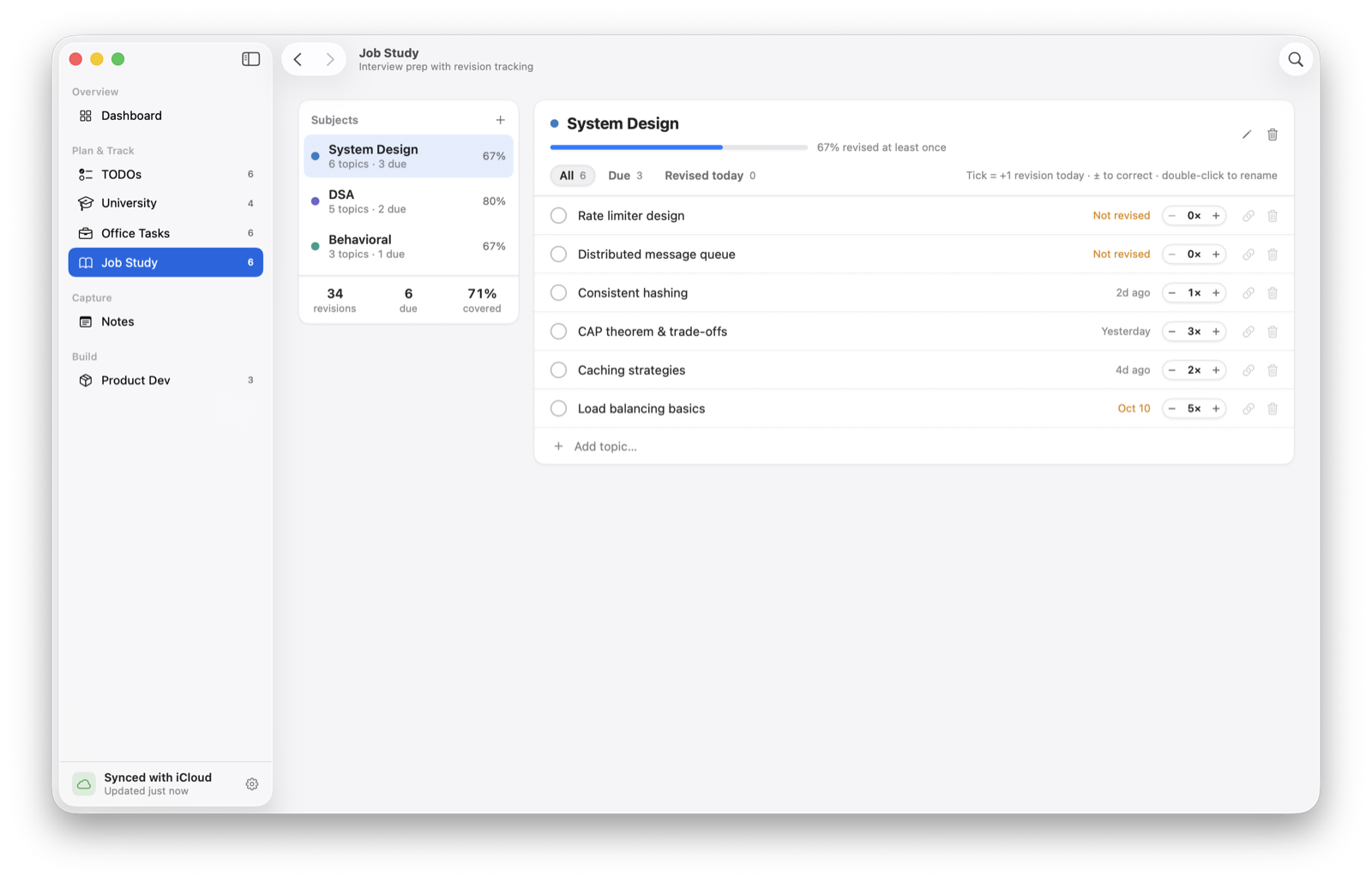
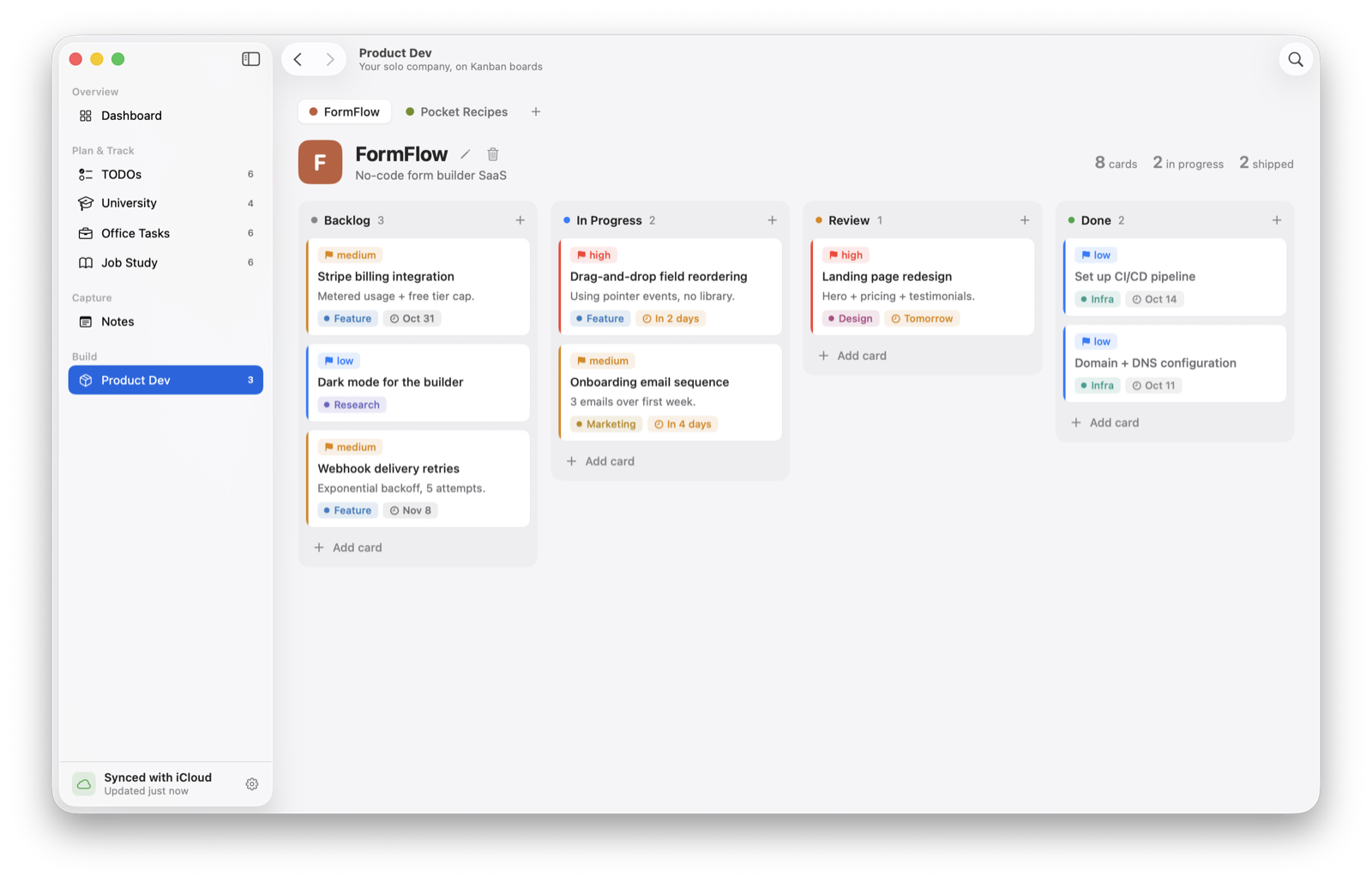
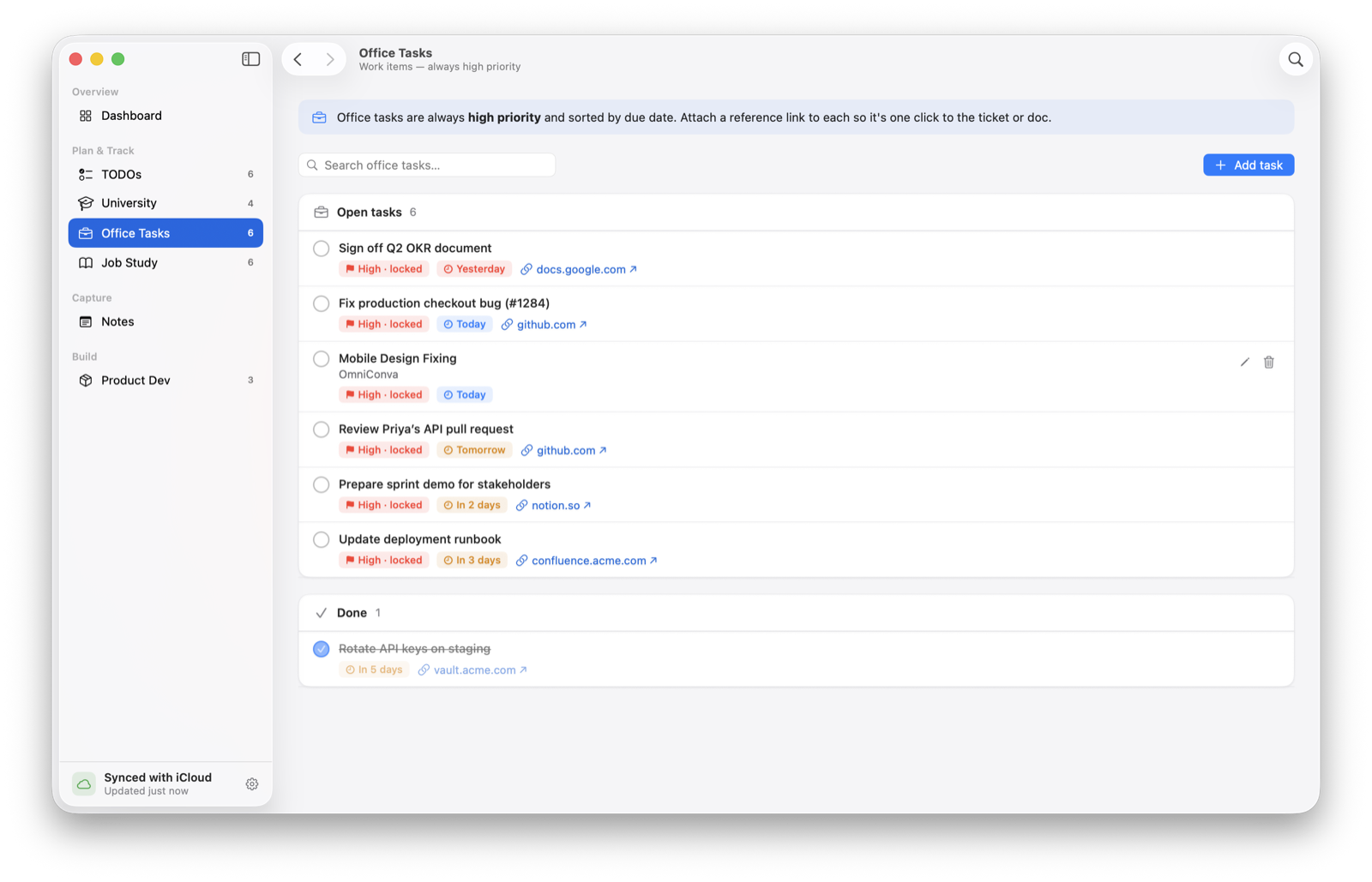
MySelf is my daily driver and is open source under MIT. It ships as a universal DMG for Apple Silicon and Intel through GitHub Releases, checks GitHub for updates once a day, and keeps todos, office tasks, notes, University, Job Study and Product Dev in sync across my Macs. Workout tracking is next on the roadmap.
Have something that needs building, fixing, or finishing? Write one paragraph — that's usually enough.